
Make funny and personalized memes with GIF Face Swap AI
Create fast reaction memes from familiar GIF moments. Add one clear face photo, keep the loop feel, and turn the result into a share-ready animated reply.
Start a free GIF face swap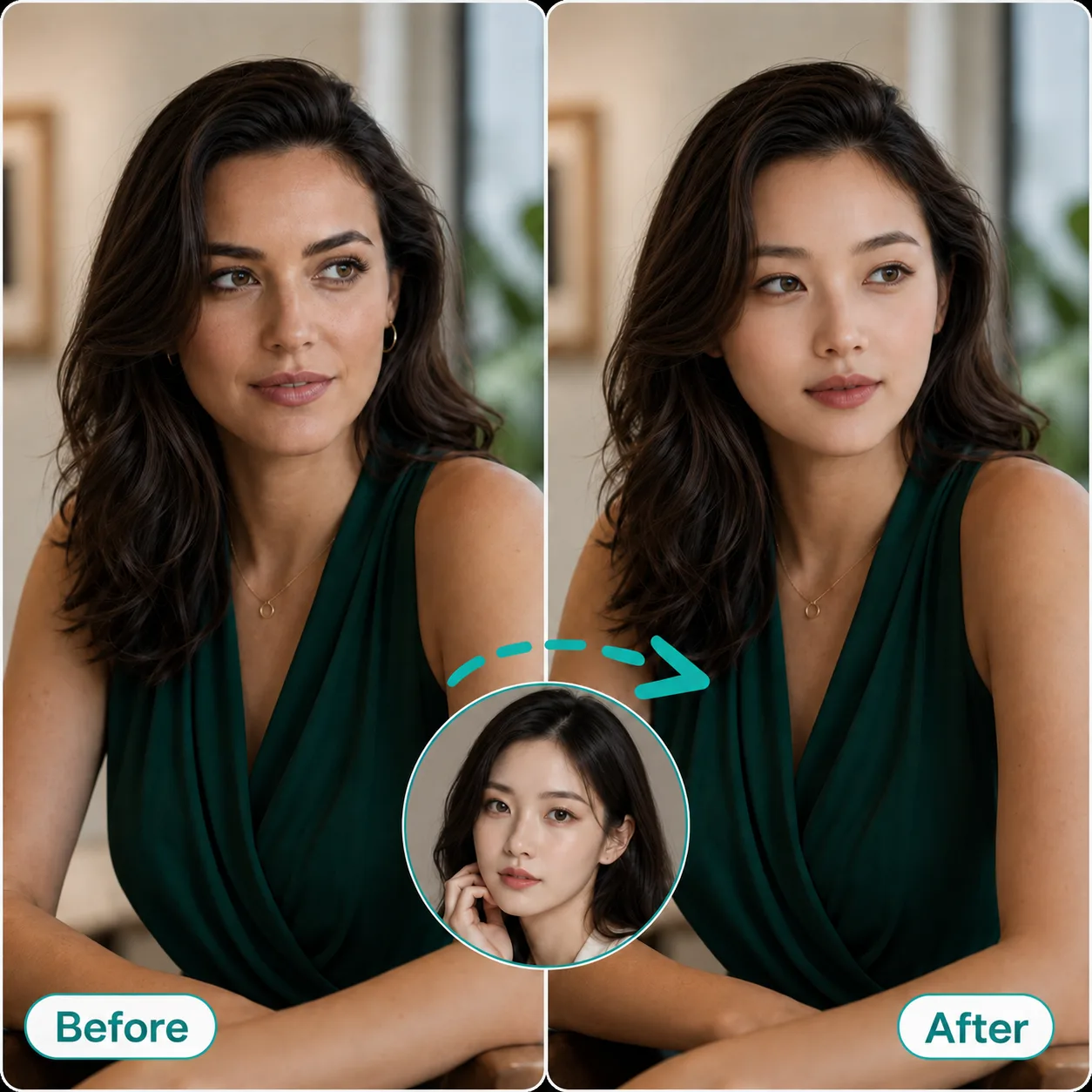
Upload a GIF and one clear face photo to create an AI GIF face swap online. Try one free swap, then upgrade when you need watermark-free downloads.
Max 20MB. Short loops work best.
Try an example
One clear portrait. Max 8MB each.
Try an example
Choose the job first, then open its dedicated workspace.
Face Swap Tools

Drag the line to compare the original loop with the swapped result.
Create fast reaction memes from familiar GIF moments. Add one clear face photo, keep the loop feel, and turn the result into a share-ready animated reply.
Start a free GIF face swapStep into couple clips, movie-style scenes, and social GIF loops. Swap a face into the animated moment while keeping the original framing and expression energy.
Create your GIF face swap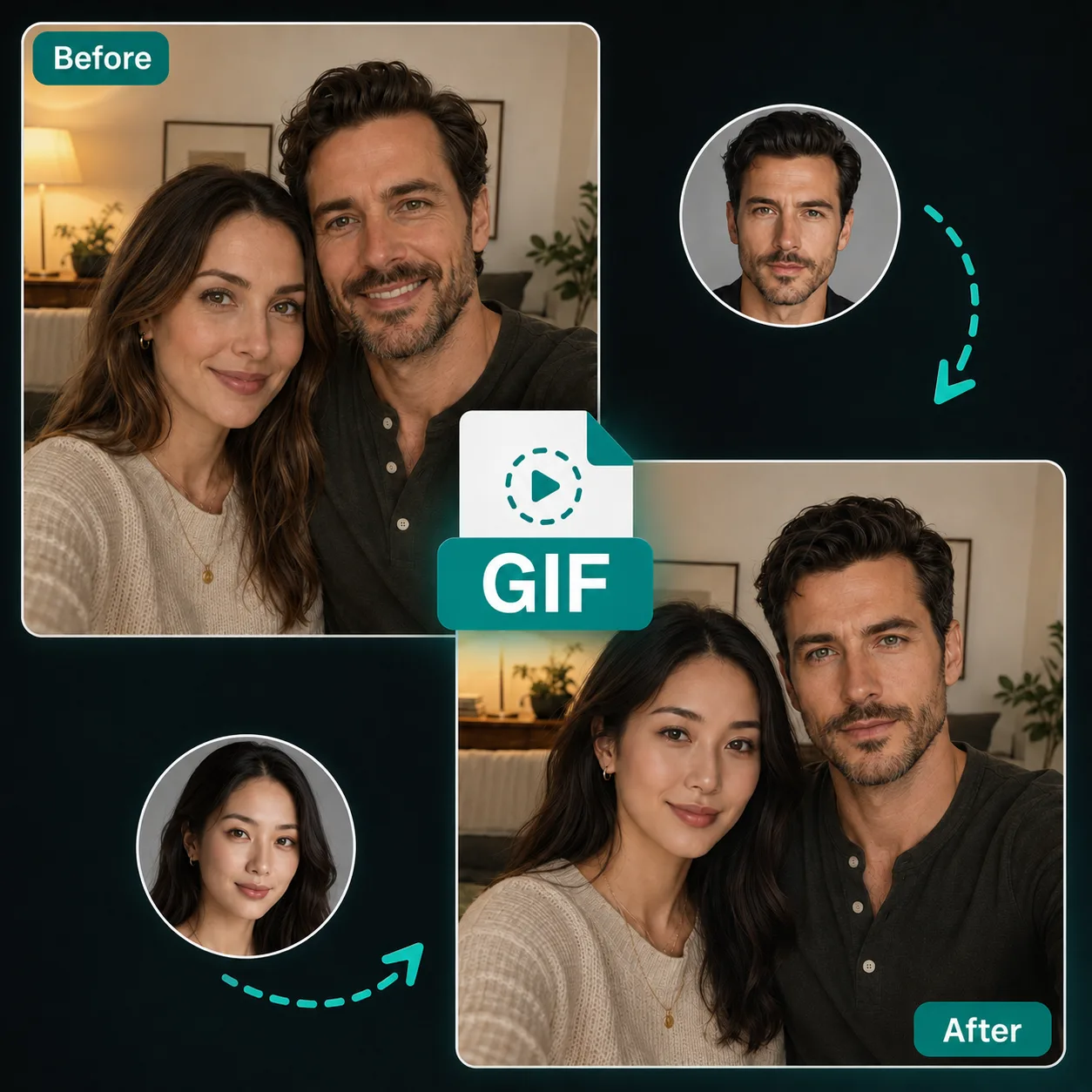
Choose a reaction loop, add one clear face photo, and make a face swap GIF without searching for source clips first.

Funny
A close, centered laugh made for funny reaction face swaps.
Explore these GIFs
Celebration
A polished toast reaction for wins, parties, and milestones.
Explore these GIFs
Eye Roll
A dry office eye roll for unimpressed reaction memes.
Explore these GIFsA focused way to make animated face swaps for reactions, creators, teams, and quick social moments.
Keep the loop timing, expression, and share-ready feel that make reaction GIFs work.
Clear source faces and portraits produce more natural swaps with less blur and fewer missed frames.
Uploads and results stay private. Standard results are available for 6 hours; active Pro results are available for 7 days.
Upload one GIF and one face photo, then sign in to use your one starter credit.
Creators can prepare multiple GIF ideas faster when they need a set of reactions or campaign loops.
Start free, upgrade for no watermark, and choose more credits only when you need more output.
Turn familiar reaction loops into fast posts, comments, group-chat replies, and short-form jokes while the trend is still moving.
Put a friend, character, or creator face into anime, movie, sports, and game-adjacent loops without opening a full editing suite.
Test quick expressions, scene beats, and character reactions before spending time on heavier video work.
Create lightweight campaign replies, launch reactions, mascot moments, and internal celebration loops from approved source files.
Make private joke loops for wins, retros, birthdays, and community moments where speed matters more than a full video editor.
How to create a GIF face swap
Choose a short animated GIF or WebP with one clear face.
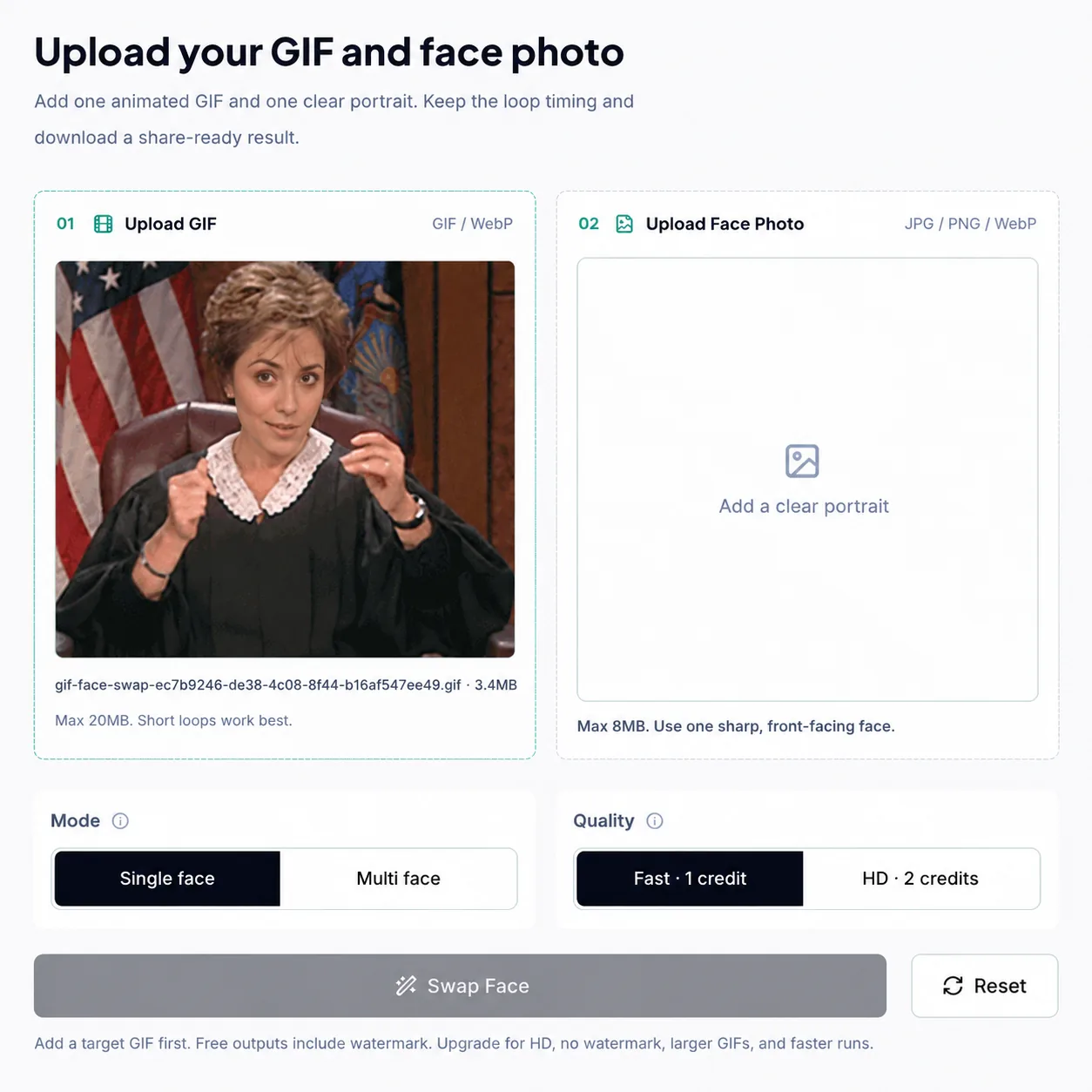
Use a sharp portrait where the face is front-facing and well lit.

Keep the single-face output selected, then start the swap.
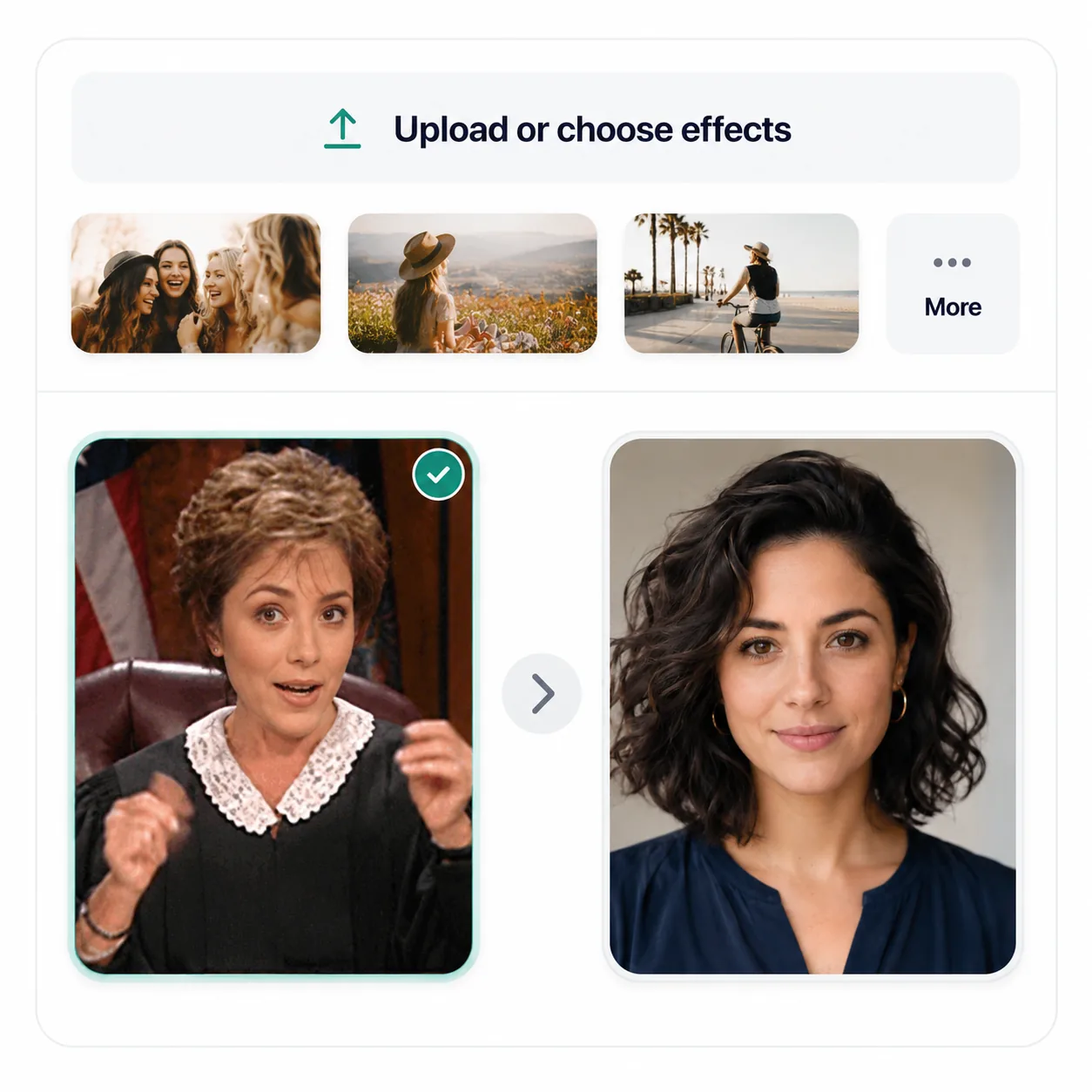
Preview the swapped loop and save the GIF when it is ready.

Drop into reaction GIFs, sports moments, meme loops, and share-ready clips while keeping the original motion.

Create hilarious and shareable sports reaction GIFs by swapping your face into iconic stadium moments, livestream reactions, and fan cam clips. Keep the original motion, lighting, and crowd atmosphere intact while becoming the star of the moment.
Start a free GIF face swap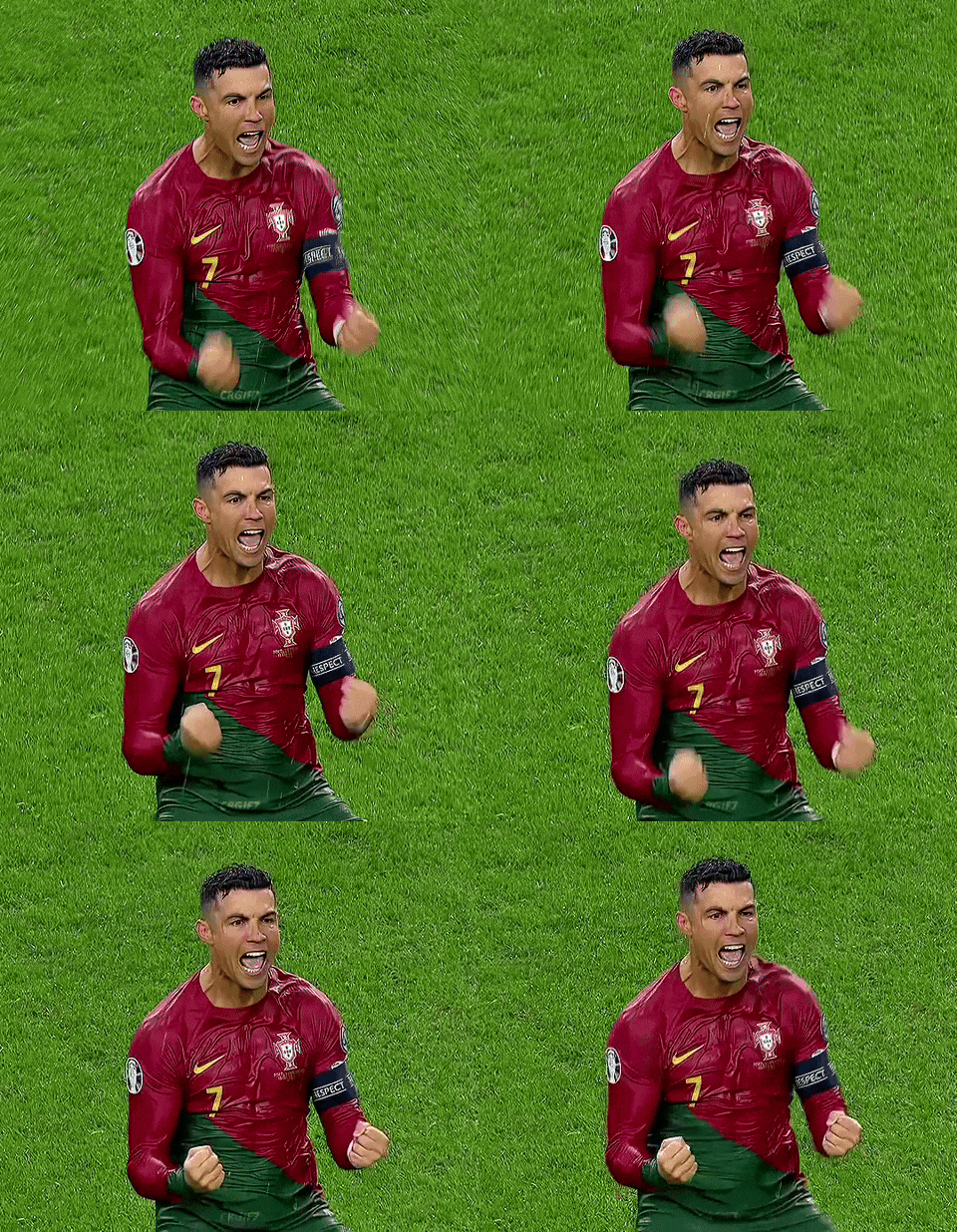
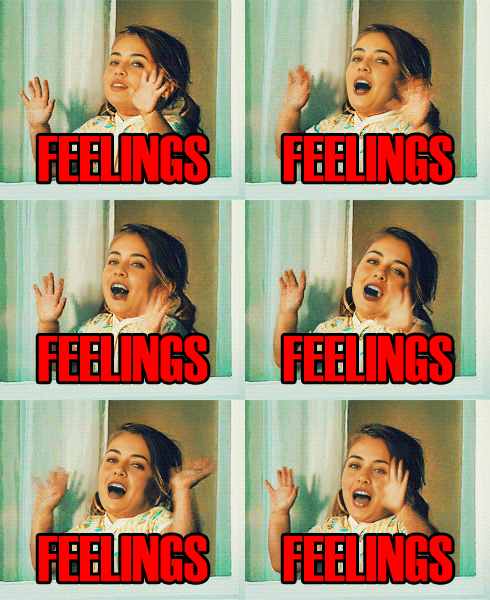
Turn classic meme loops into personal reactions for chats, social posts, and community jokes. Swap in a new face while keeping the timing, caption, and animated punchline easy to recognize.

Clean source files make the biggest difference. Use clear faces, short loops, and bright scenes before creating the final GIF.
Choose a front-facing photo with even lighting and no heavy accessories.
Try a short clip first. If it looks right, use the full GIF.
Very small GIFs can look blurry. Use a larger source when you can.
For quick sharing, keep the loop short so it downloads fast.
If the edges look rough, choose a cleaner, brighter source GIF.
Frames where no face is detected pass through unchanged, so the output loop stays complete instead of being cut short.
Follow the full workflow, prepare several GIFs at once, or check the practical limits that affect your next result.
Browse GIF face swap guidesStep-by-step guide
Choose a clean loop and face photo, preview the animation, and fix common quality issues before downloading.
Creator workflow
Use one face photo across up to 10 GIF or WebP files, then review and download each finished result.
Help and limits
Check free use, upload limits, credits, watermarks, privacy, and temporary download links before you start.
Choose credits for tests, recurring creation, or larger output.
Try AI face swap and the free GIF utilities.
Free starter credits
No card needed
Sign up for 1 starter credit
For creators who want Pro without annual billing.
Then $13.99/month
20% off first monthly checkout
300 credits refresh each billing month
Best for GIF creators who want the lowest Pro price.
41% less than monthly billing
Annual billing
Annual billing still saves $68.88/year vs monthly
Quick answers about free use, supported files, credits, privacy, quality, and downloads.
Your first GIF face swap is free
Upload one GIF and one clear face photo. Try the complete workflow without a card, then sign in to use your one starter credit.