Face clarity
One adult face detected in every sampled test frame
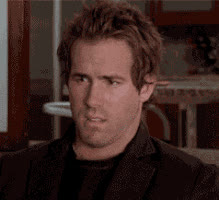
This cinematic reaction works when a plain confused emoji feels too small. The camera follows one adult subject without switching to another face.
Swap your face
This template will load automatically in the target slot. You can still replace it with your own GIF before starting.
The first library release prioritizes one visible person, stable framing, and short loops instead of crowded scenes or rapid cuts.
One adult face detected in every sampled test frame
Medium close-up with light head movement and a stable background
Movie memes, disbelief, and dramatic confused reactions
Quick answers before you create your GIF face swap.
The GIF is already loaded. Add one clear, front-facing face photo, select Start face swap, and continue in the editor to generate and download your result.
One adult face detected in every sampled test frame. Medium close-up with light head movement and a stable background, which gives the model a more consistent subject than a multi-person or fast-cut GIF.
Use a sharp portrait with one unobstructed face, even lighting, and a similar angle to the person in the GIF. Avoid sunglasses, heavy blur, and group photos.
Yes. Select the target GIF panel to replace this template with your own GIF or WebP file before starting the face swap.
Keep browsing